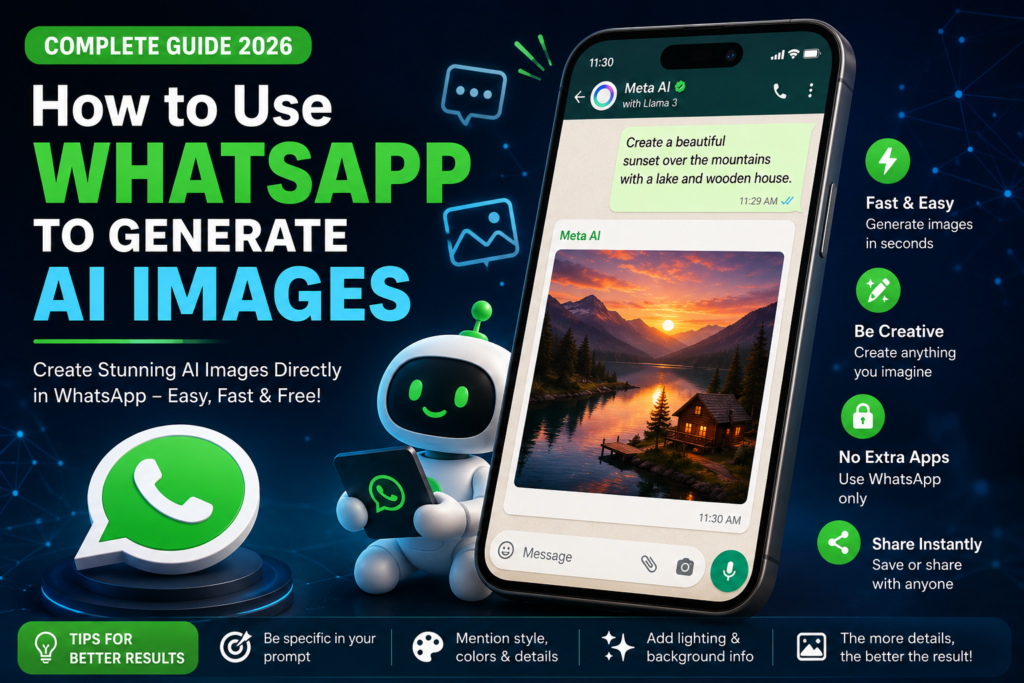
How to Use WhatsApp
Artificial Intelligence (AI) is transforming the way people create content, and WhatsApp has become one of the easiest platforms to access AI-powered features. If your WhatsApp account has Meta AI support, you can generate creative and realistic images directly within the app. Whether you need images for social media, business promotions, presentations, or personal projects, WhatsApp AI makes the process quick and simple.
What Is WhatsApp AI Image Generation?
WhatsApp AI image generation is a feature powered by Meta AI that allows users to create images by simply typing a text prompt. Instead of using complex design software, you only need to describe the image you want, and the AI generates it in a few seconds.
How to Generate AI Images in WhatsApp
Follow these simple steps:
Step 1: Update WhatsApp
Make sure you are using the latest version of WhatsApp from the Google Play Store or Apple App Store. New AI features are usually available only in updated versions.
Step 2: Open Meta AI
Launch WhatsApp and open the Meta AI chat. If the feature is available for your account, you will find Meta AI in the chat list or through the search option.
Step 3: Enter Your Prompt
Type a detailed description of the image you want. The more specific your prompt, the better the result.
Example Prompt:
“Create a realistic luxury perfume advertisement with a black background, golden lighting, and a premium glass perfume bottle.”
Step 4: Wait for the AI
After sending your prompt, Meta AI will process your request and generate the image within a few moments.
Step 5: Save or Share
Once the image is ready, you can download it, share it with friends, or use it for your business, blog, or social media posts.
Tips for Better AI Images
- Write clear and detailed prompts.
- Mention the image style (realistic, cartoon, 3D, watercolor, etc.).
- Include colors, lighting, background, and camera angle.
- Specify image quality, such as HD, 4K, or ultra-realistic.
- If the first result is not perfect, edit your prompt and generate again.
Benefits of WhatsApp AI Image Generation
- Fast and easy to use.
- No advanced design skills required.
- Great for creating social media posts and marketing content.
- Helps businesses create attractive visuals in minutes.
- Saves both time and design costs.
Conclusion
WhatsApp AI image generation is an excellent tool for anyone who wants to create high-quality visuals with simple text prompts. By updating WhatsApp, opening Meta AI, and writing detailed prompts, you can generate impressive AI images in just a few seconds. As Meta continues to improve its AI features, WhatsApp is becoming an even more powerful platform for creativity, communication, and digital marketing